

Twelve gadgets enhance your daily life
Time
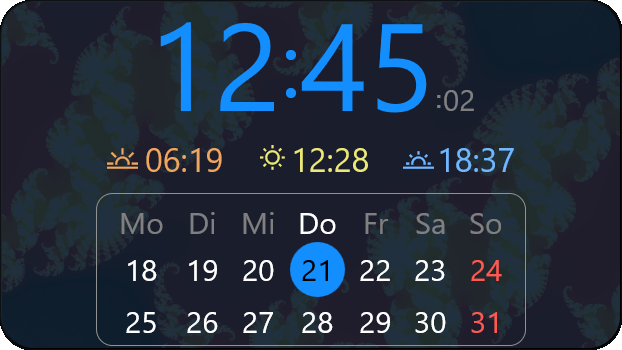
Time+Calendar for your desktop
- Sunrise and sunset times
- Mini-calendar for the week
- Additional times, like UTC, DST, or a 2nd time zone
- Seconds, 12/24-hour, AM/PM optional
- As big - or small - as you wish!
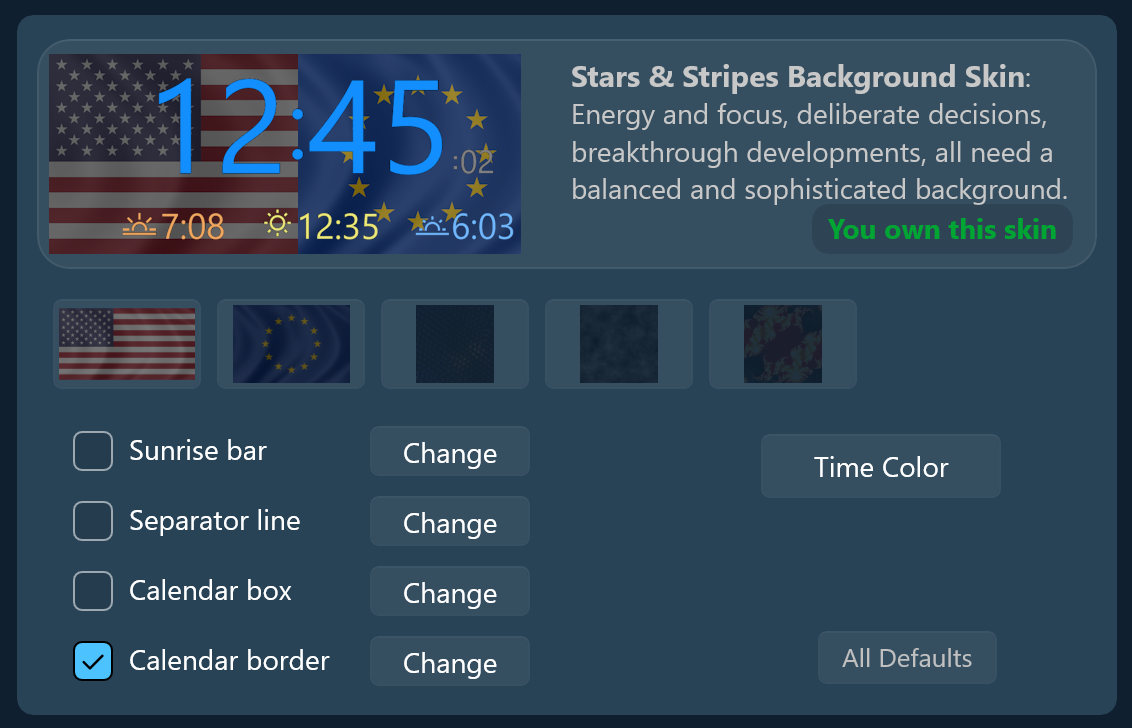
Energy and focus, deliberate decisions, breakthrough developments,
all need a balanced and sophisticated background.
+ select one of five backgrounds
+ adjust color for bars and stripes
+ adjust time color itself
+ adjust color for bars and stripes
+ adjust time color itself
Possible layouts with the skin:

How to enter your location:
To enter your location, open the drop-down next to 'Sunrise and Sunset',
then click the button 'Get Location'.
If Windows knows your location it will enter coordinates automatically.
For a more precise location - which may affect sunrise/sunset times by a few minutes -
open your favorite map (Google/Microsoft/Apple) in a browser and right-click anywhere to get the exact coordinates.
Two decimals are more than enough.
(If you try different locations, remember that times are always in *your* local time,
including DST if applicable.)
Whenever you travel with your notebook you may have to change the location again.
How we calculate sunrise/-set times:
Then sun rises at different times every day everywhere on the planet.
You can't just use a table to look it up.
If you are curious, we first calculate
the current distance of the sun for the apparent sun diameter,
add an altitude of -35/60' for the Earth's atmosphere refraction,
then solve the equation of time
caused by the obliquity of the ecliptic and the eccentricity of the Earth's orbit.
Cool stuff, look it up!
12Gadgets:
Backup |
Black |
Browser |
Clock |
Colors |
Light |
Moon |
Photos |
Protect |
Sleep |
Time |
Volume