
Twelve gadgets enhance your daily life
▸ Really free. No ads. No time limit.
Put these apps anywhere on your desktop:
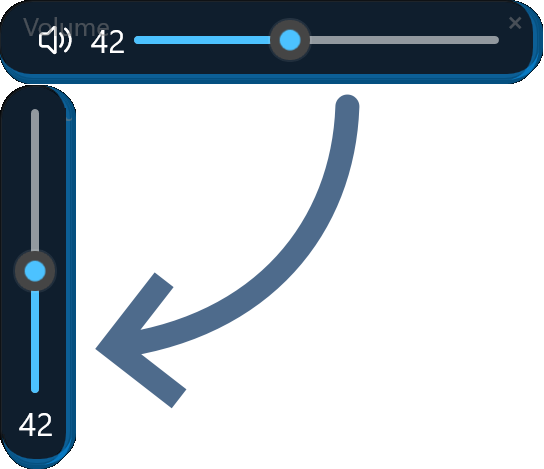
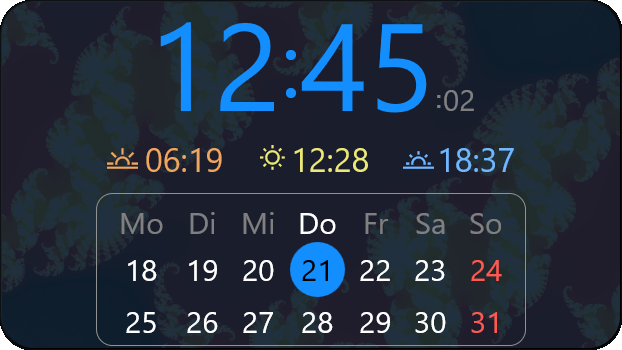
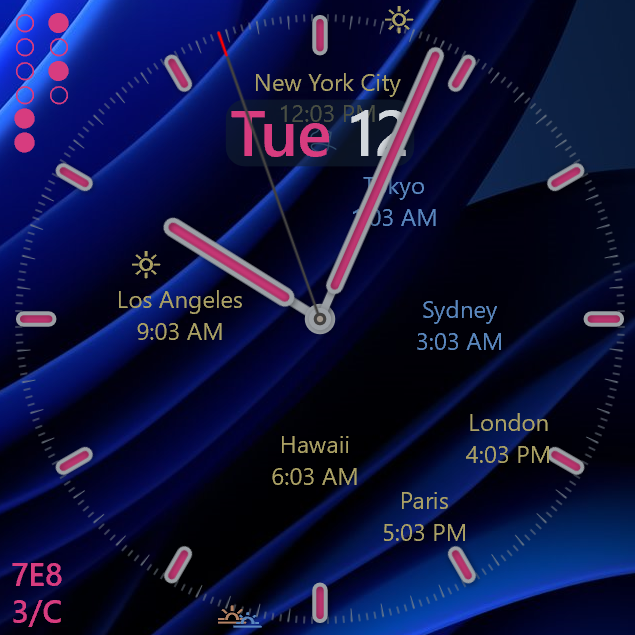
Completely free, no ads, no time limit.
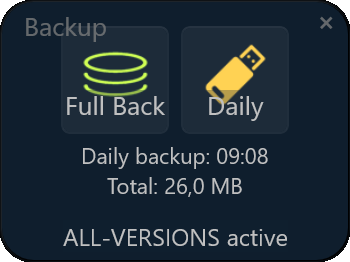
Backups: three-in-one!
- FULL Backup
- Daily CHANGES
- Keep ALL-VERSIONS
- Zip-file support
- Filter
- Automatic
Color picker with a human touch
- New: full alpha support
- based on human perception!
- CIE 1931 XYZ specification
- 8-bit, 12-bit or 16-bit colors
- color wavelength in nm
- Kelvin line integrated over the visible spectrum using Planck's radiation law
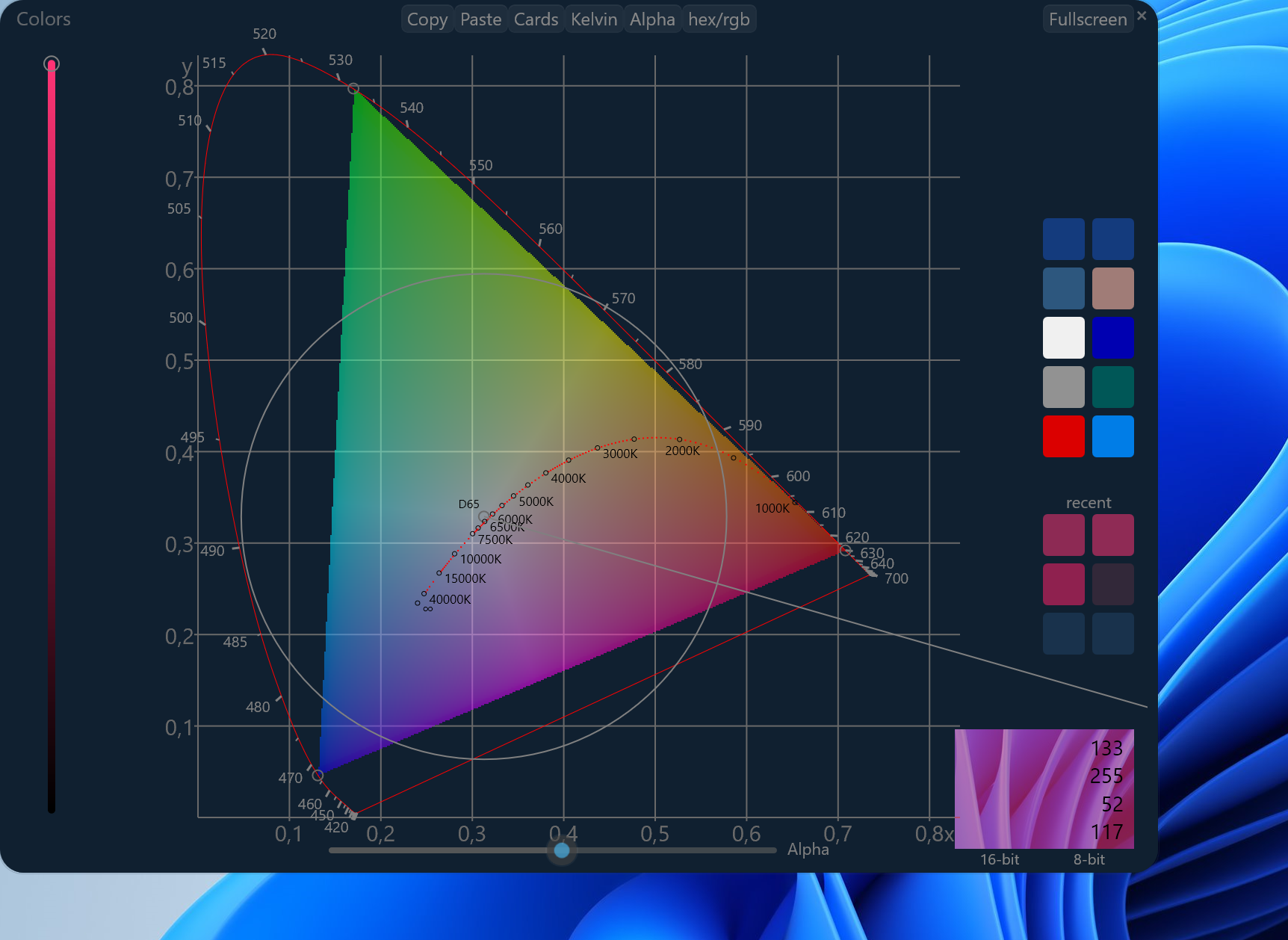 New: real alpha preview over custom background (bottom right)
Turn your monitor into a ring light!
- with the right White Point!
- between 600K and 12,000 Kelvin
- HDR supports 12-bit colors

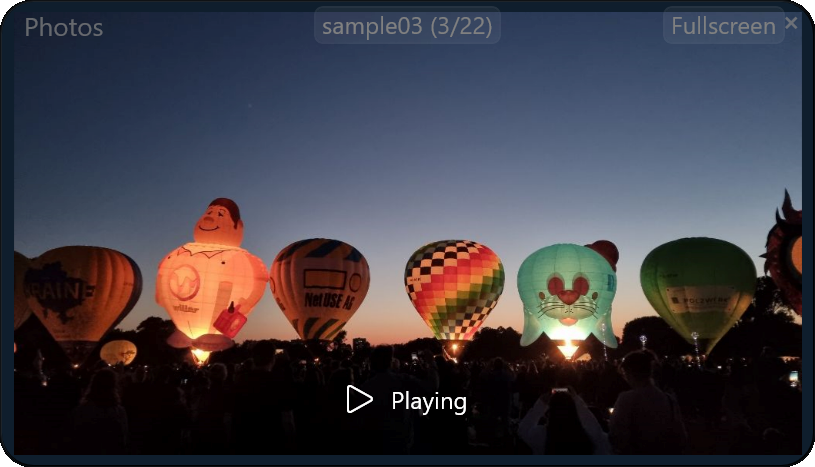
Photo-viewer and slideshow
- examine pictures fast
- pre-loading for smooth display
- cross-fade for beautiful slideshows
- zoom to mouse-pointer
And with free we really mean free: No ads, no nagging reminders, no private data collection.
Active support and free regular updates included!
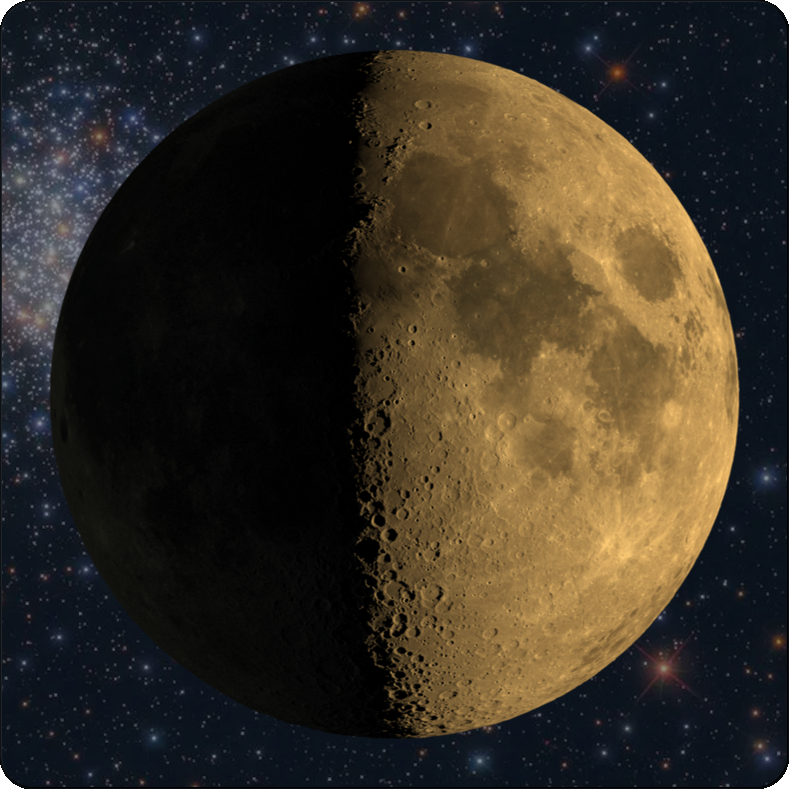
When's the next Full Moon?
- Exact time of next full/new moon
- Number of days - easy to remember!
- Change color and background (skin):

Many ways to customize 12Gadgets to your needs:
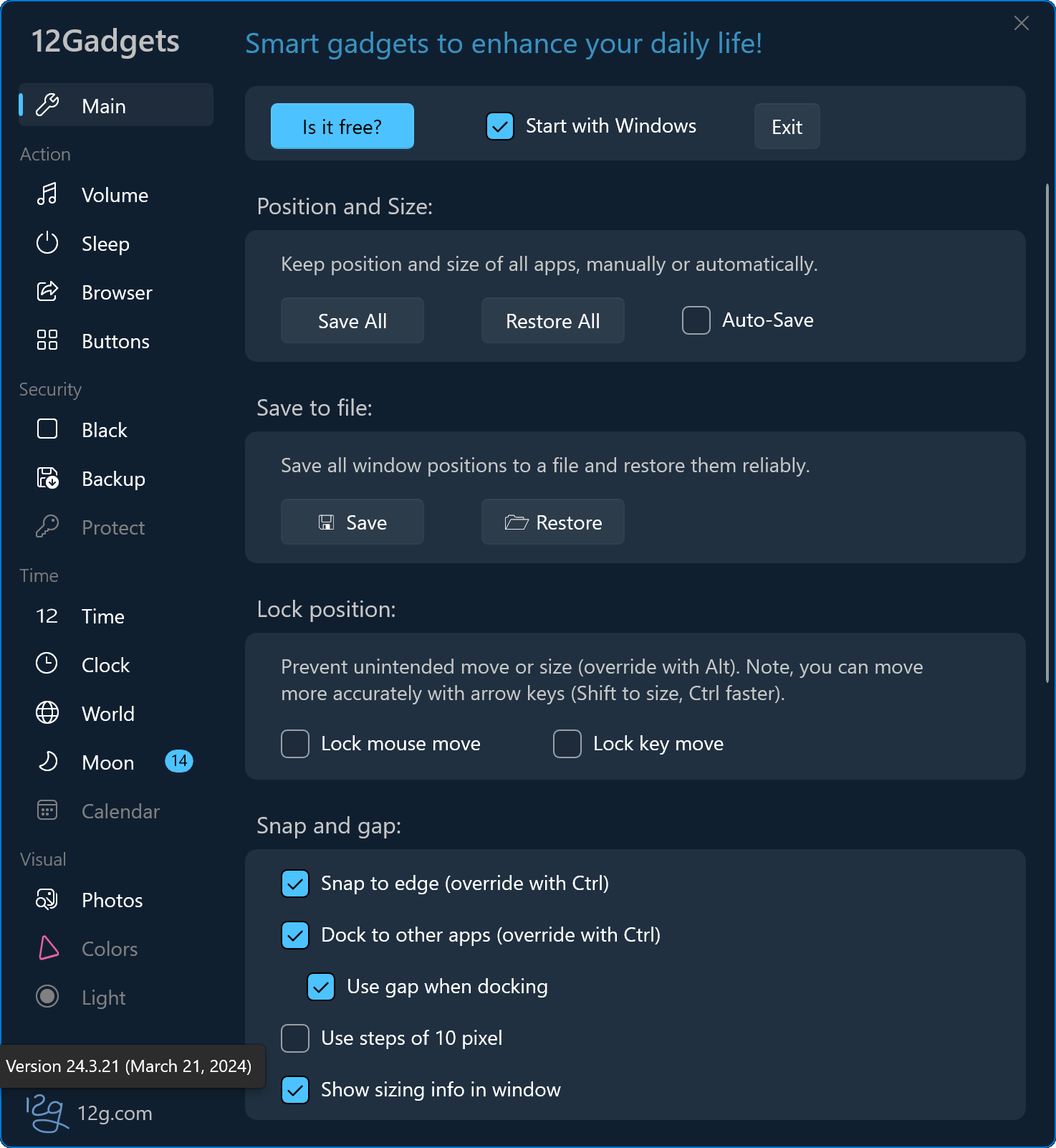
(*Sample pictures, actual functions subject to change. Some features require an add-on.)
Feedback, questions, chat with the developers
News and release notes
12Gadgets:
Backup |
Black |
Browser |
Clock |
Colors |
Light |
Moon |
Photos |
Protect |
Sleep |
Time |
Volume